
Dimmable LED Bulbs Explained: Compatibility, Flicker, and Energy Savings
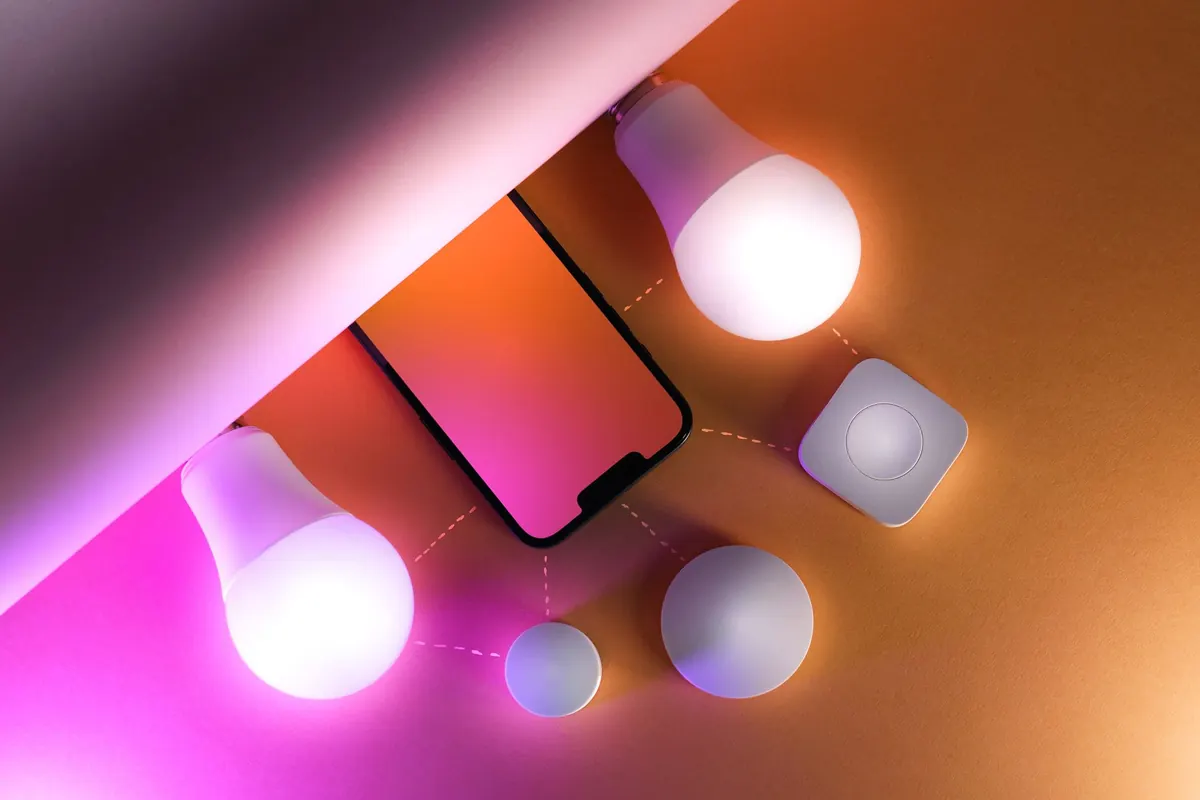
A dimmer switch promises a small, everyday pleasure: turning the light down to something softer at nine in the evening. Then the new LED goes in, you slide the control, and the bulb buzzes, flickers, or refuses to come on at all. None of that means dimmable LEDs were a bad idea. It usually means one of three things — the bulb, the dimmer, or the way the two meet — was chosen without the other in mind. What follows is the checking most people skip, and the fixes for a circuit that is already misbehaving.
What a "Dimmable" Label Does and Doesn't Tell You
On a bulb box, "dimmable" means the driver inside can accept a dimmed supply and reduce output smoothly. It does not mean the bulb will work with the dimmer on your wall. Two bulbs can both carry the word and behave completely differently on the same circuit: one glides down to a candle-like glow, the other buzzes at 30 percent and snaps from bright to off.
Read the small print on the box or the product page and look for three things. The dimming range tells you how far down the bulb goes — 100 to 10 percent is common, and better models reach 5 or even 1 percent. Compatible dimmer types matter more than most shoppers expect, and many manufacturers publish a list of tested dimmers by name. Minimum load tells you how little wattage the dimmer needs before it behaves reliably.
Also check what kind of dimming the bulb actually does. Some smart bulbs only dim through an app and will sit at full brightness on a wall dimmer. Step-dimming bulbs drop through three or four fixed levels rather than a smooth curve. Neither is wrong, but neither is what most people picture when they fit a dimmer.
Your Dimmer Is Half of the Circuit
A dimmer is not a passive accessory. Older dimmers were designed around a very different kind of load, and that is where most compatibility trouble starts.
Many dimmers in older homes are leading-edge types, built to chop the mains waveform for incandescent and halogen bulbs drawing 40 to 100 watts each. A dimmer rated for 40 to 400 watts expects that sort of load. Swap six 60-watt halogens for six 8-watt LEDs and you have dropped from 360 watts to 48. Near the bottom of the dimmer's range it may stop switching cleanly: flicker, a faint buzz, a bulb that glows faintly when the switch is off, or one that will not start until you nudge the slider up.
Trailing-edge dimmers are gentler with LED drivers and are usually the better choice for a new installation. Some need a neutral wire at the switch, which plenty of older properties do not have in the lighting circuit. Check before you buy a smart dimmer or assume an electrician can simply fit one.
Two habits save trouble. Keep every bulb on a dimmed circuit the same brand and model, because mixed types dim at different rates and look mismatched at low output. And resist the trick of leaving one halogen in place to "help" the dimmer — the halogen dominates the behaviour and the LEDs may still flicker. If your dimmer needs a minimum load, a dimmer with a lower minimum is a cleaner fix than a dummy load hidden in the ceiling.
Why Dimmed LEDs Flicker
Flicker is the complaint that sends most people back to the shop, and it has several distinct causes.
The commonest is a mismatch between the dimmer's waveform and the bulb's driver. A phase-cut dimmer that works perfectly with a halogen can confuse a cheap LED driver, which reads the irregular supply as a signal to restart. The result is a pulse, a shimmer, or a strobe at certain positions on the dial. Low load comes second: below the dimmer's minimum, the electronics have too little current to work with. Long cable runs, a dimmer shared with an extractor fan, or a large appliance starting on the same circuit can all add their own wobble.
Then there is the bulb itself. Inexpensive dimmable LEDs sometimes skimp on the smoothing components, so even a good dimmer cannot clean up the output. A bulb that flickers on one dimmer often behaves perfectly on another, which is why a manufacturer's tested-dimmer list is worth more than a star rating.
Some flicker you cannot see. Point a phone camera at the lit bulb: rolling dark bands across the screen mean the light is pulsing faster than your eye can follow. Not everyone is bothered by it, but if dimmed lighting reliably gives you headaches or sore eyes, mention it to your electrician, and raise it with a doctor if it continues.
The Energy Case, Without the Hype
An LED is already the efficient choice; the dimmer is a refinement, not a transformation. The savings are still real, and easy to reason about.
Power draw falls roughly with light output, though not in a perfectly straight line. A 10-watt LED at half brightness might draw 5 or 6 watts, because the driver keeps a small overhead. You will not notice that on a bill from a single lamp. Across a living room, a hallway and two bedrooms, run lower for four or five hours every evening, the numbers start to show.
The bigger benefit is behavioural. A dimmer lets you use the light you need rather than the light the bulb happens to produce: bright for cooking and reading, low for a film or a late conversation, off when the room is empty. Being able to drop to 20 percent makes it easier to fit a slightly brighter bulb and stop leaving it at full blast.
There is a longevity argument too. LEDs run hotter as they age, and heat shortens their life; dimming reduces it. A bulb that spends most evenings at 60 percent should outlast the same bulb at full output, which is one more reason not to oversize. Be realistic about payback, though. The real saving comes from replacing halogen with LED, and the dimmer is an added cost on top. If your home is already all LED, dimming is about comfort and control more than about the meter.
How to Match Bulbs and Dimmers Before You Buy
Start with the dimmer if you are buying one, or with the dimmer already on the wall if you are not. Note its type, its minimum and maximum load, and whether it needs a neutral. Then work through the bulb's documentation.
- Add up the wattage. Total the bulbs on the circuit and compare it with the dimmer's minimum and maximum. This single sum explains a lot of flicker.
- Stay with one model. Same brand, same wattage, same colour temperature across the whole circuit.
- Check the dimming range. If you want a genuinely low evening level, 10 percent is not enough; look for 5 or 1 percent.
- Buy one bulb first. Test it on your own dimmer before committing to the set.
- Ask about adjustable trim. Some dimmers have a small minimum-level adjustment that cures flicker at the low end.
- Expect a colour shift. Many dimmable LEDs turn slightly warmer as they dim, which suits living rooms but can look odd beside a cool-white bulb.
- Decide who controls the dimming. With smart bulbs, either the wall switch or the app should be in charge, not both fighting each other.
Test One Bulb Before You Buy Eight
Fit a single bulb and spend an evening with it. Slide the dimmer slowly from top to bottom and back. Listen for buzz near the switch and near the fitting. Set it to the lowest level you would actually use and leave it there for ten minutes — that is where flicker shows up. A quick phone photo will tell you whether the light is pulsing invisibly.
If it behaves, buy the rest from the same model and, where possible, the same batch. If it does not, you have learned something useful for the price of one bulb. Change the dimmer or change the bulb, but change one thing at a time so you know which one fixed it. Done properly, a dimmed LED circuit is quiet, smooth and thoroughly unremarkable — which is what good lighting should be.
Photo: Jakub Zerdzicki / Pexels